
What Kiri does, on each device
The idea is the same everywhere: a daily time for an app, then mist, then one breath. What you see differs, because iPhone, Android and Mac each allow different things.
The parts that are the same
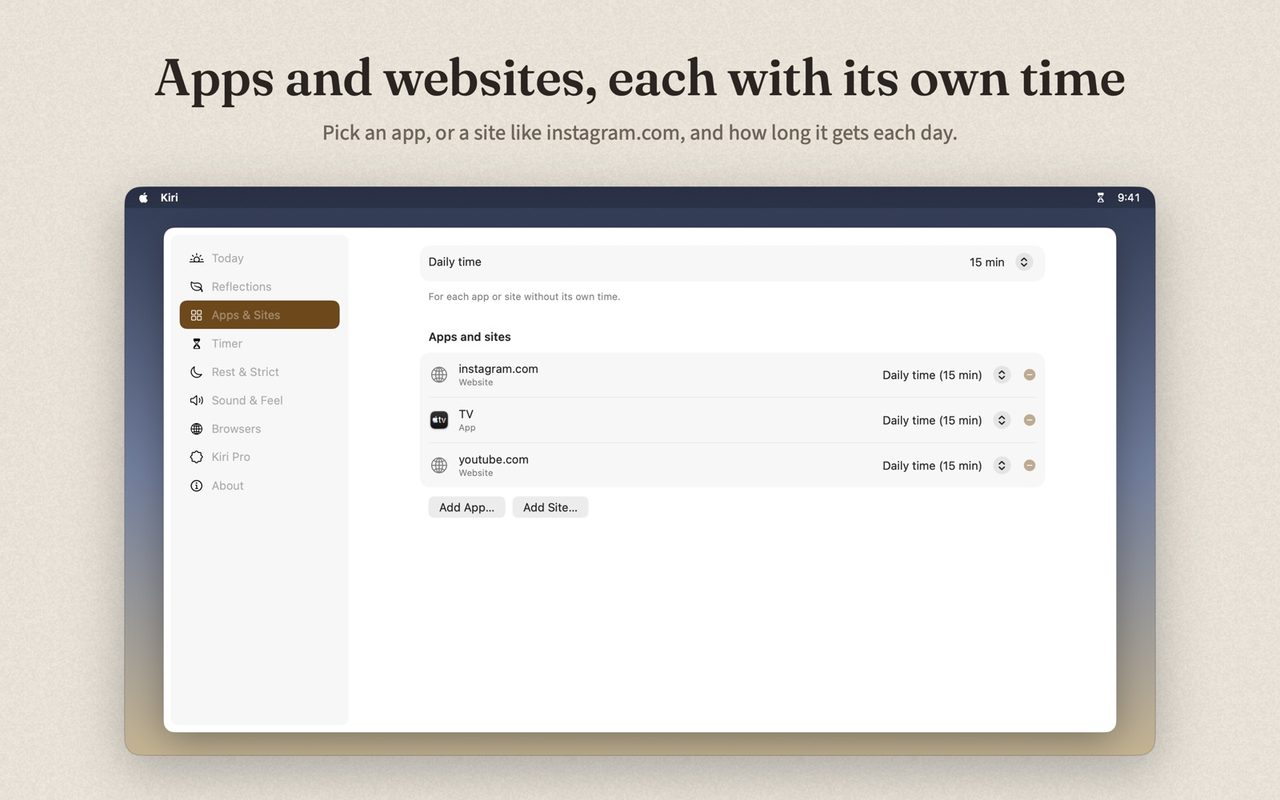
- A daily time for each app. Fifteen minutes for one, thirty for another. It starts fresh every morning.
- It counts only while you're there. Leave the app and the timer stops. Come back later and it carries on.
- Mist when the time is up. You wipe it away yourself. Kiri never locks an app.
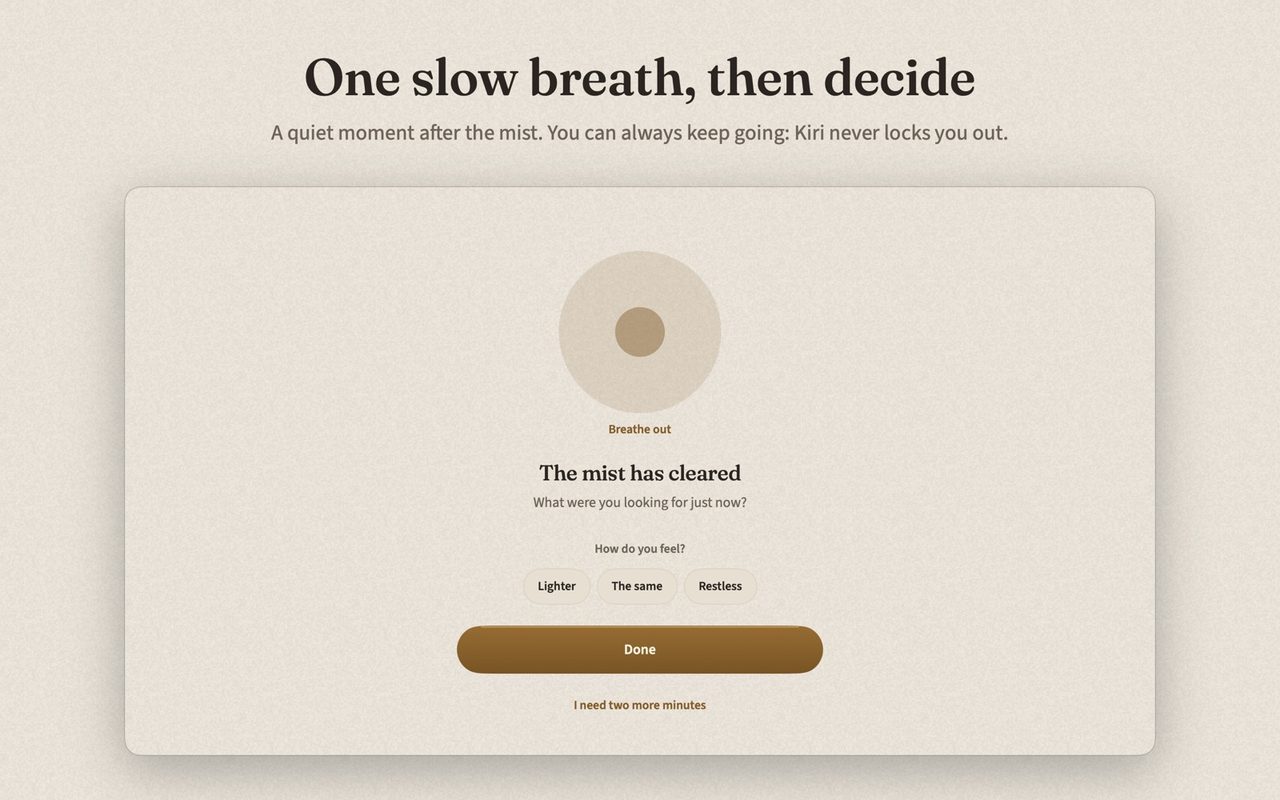
- One breath and one word. After the mist, a slow breath and an optional check-in: lighter, the same, or restless.
- Two more minutes. Once a visit, for finishing what you started.
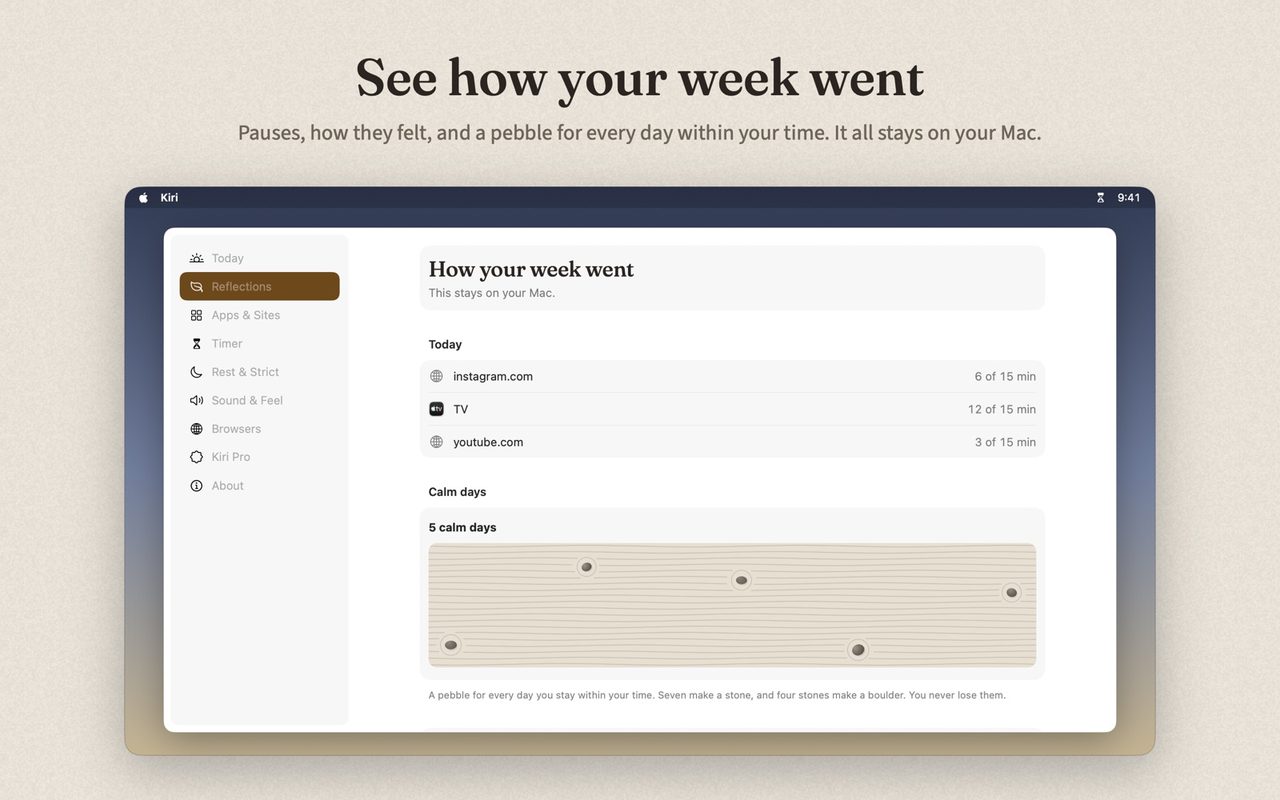
- Pebbles. A pebble for every day you stay within your time. Seven make a stone, four stones make a boulder, and none are ever taken away.
On iPhone
Kiri uses Apple's Screen Time, with your permission. You pick the apps in Apple's own picker, and Apple keeps their names private, even from Kiri.
- When your daily time is used up, a soft shield covers the app, with two buttons: Clear the mist and Keep going.
- Clear the mist closes the app and sends one notification. Tap it, and Kiri opens to the mist. Wipe it, breathe, and you're done.
- Keep going asks once, then gives you ten more minutes.
The timer can sit in the Dynamic Island, with a short Shortcuts setup, and on a home screen widget.
What iPhone doesn't allow: an app can't draw on top of another app. So the hanging hourglass you see in our Android and Mac videos isn't on iPhone. The shield, the wipe, the breath and the pebbles are.
Needs iOS 17 or later.
On Android
This is where Kiri looks most like its pictures.
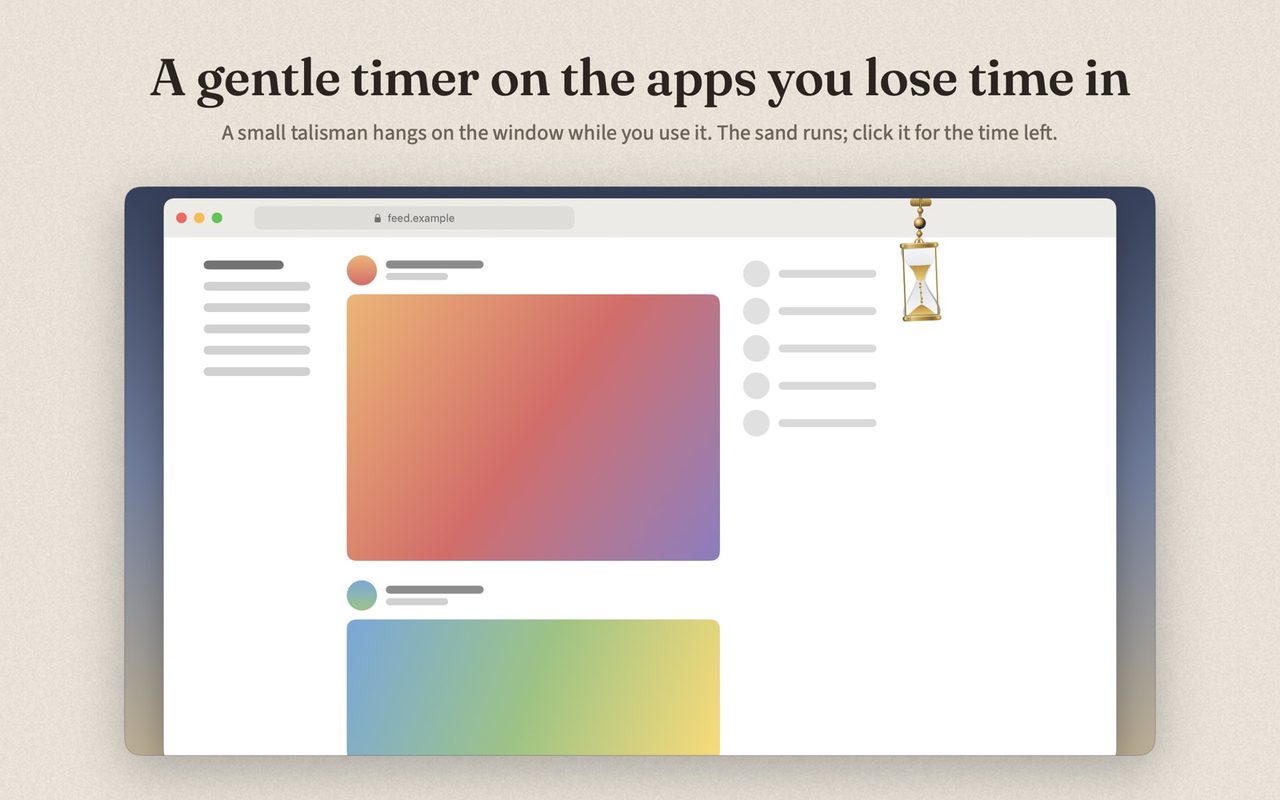
- Open an app you picked. A small hourglass hangs at the top of the screen and the sand starts to fall. You can put it on the left, in the centre or on the right, in three sizes.
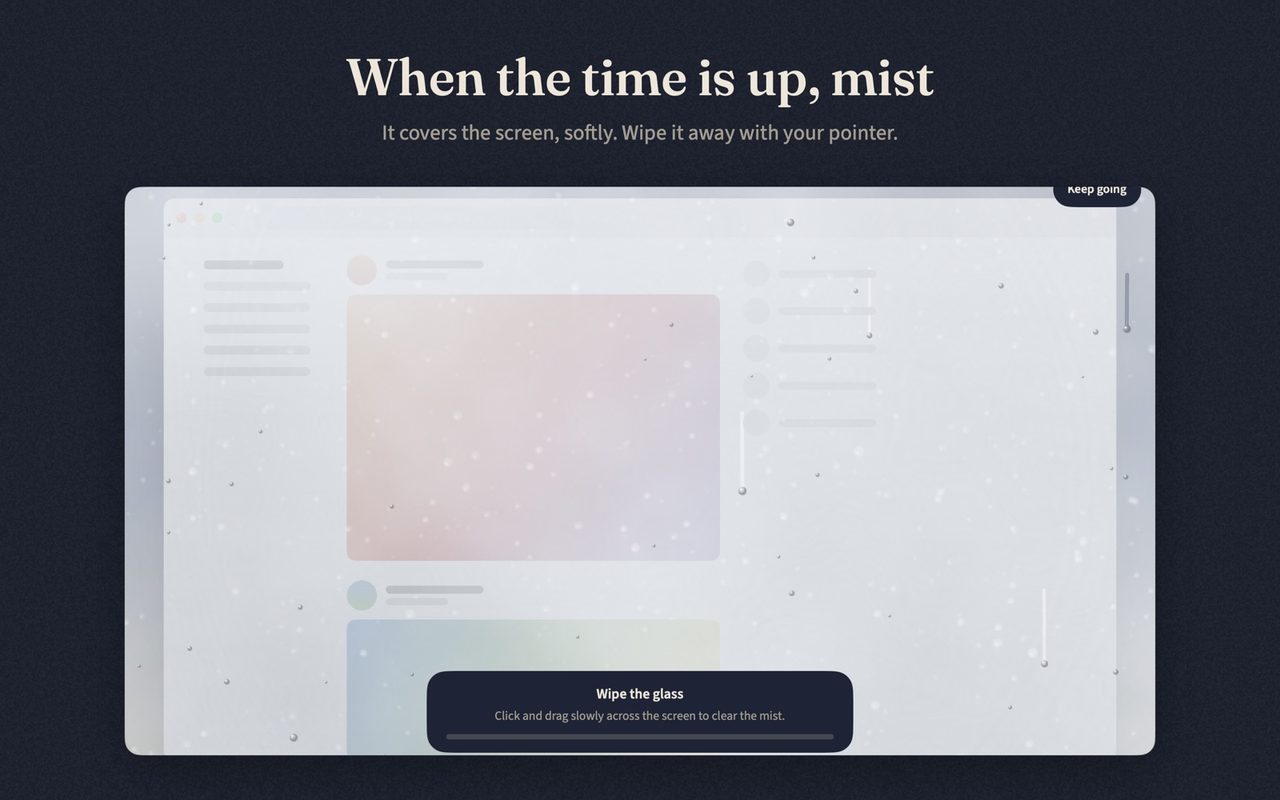
- When the sand runs out, mist drifts in over the app. Wipe it away with your finger.
- Take one breath, pick a word if you like, and tap Done. Or take two more minutes.
Kiri asks for two permissions and says why. Usage access lets Kiri know which app is open right now. Display over other apps lets it draw the hourglass and the mist. Neither lets Kiri see your messages, photos or anything you do inside an app.
Needs Android 7 or later.
On Mac
Kiri lives in the menu bar and works for apps and for websites.
- The timer hangs on the window of the app you picked and follows it when you move the window. Click it for the time left, or drag it out of the way.
- When the time is up, mist covers every display. Wipe it away with your pointer. Video on the page pauses under it.
- One breath, then decide.
Websites
To time a site such as youtube.com or reddit.com, Kiri needs to know which site is in the front tab. The Kiri extension tells it. The Safari extension comes with the app. Chrome, Brave, Edge and Arc use the Kiri extension from the Chrome Web Store.
The extension talks only to the Kiri app on the same Mac. It doesn't read pages, what you type, your history or your cookies, and it sends nothing to us. It does nothing on its own: it needs Kiri for Mac.
Needs macOS 15 Sequoia or later.
What Kiri Pro adds
The free version covers one app, with the hourglass in one colour. Kiri Pro is a one-time purchase and adds:
- As many apps (and, on Mac, sites) as you like, each with its own time
- Reflections: how your week went and how each pause felt
- Strict mode, with no extra minutes, for days you want to be held to your word
- Rest hours, for mornings and nights
- Every colour and every widget
What Kiri doesn't do
- It doesn't block apps. If you want an app made impossible to open, you want a blocker. We compare them here.
- It isn't treatment. Kiri helps you pause. It makes no health claims.
- It isn't a parental control. You set it for yourself, and you can always keep going.