Kiri is a gentle timer for the apps you lose time in. When your daily time is up, mist covers the screen. Wipe it away, take one breath, and decide what's next.
Free for one app. Kiri Pro is a one-time purchase. No account, no ads.
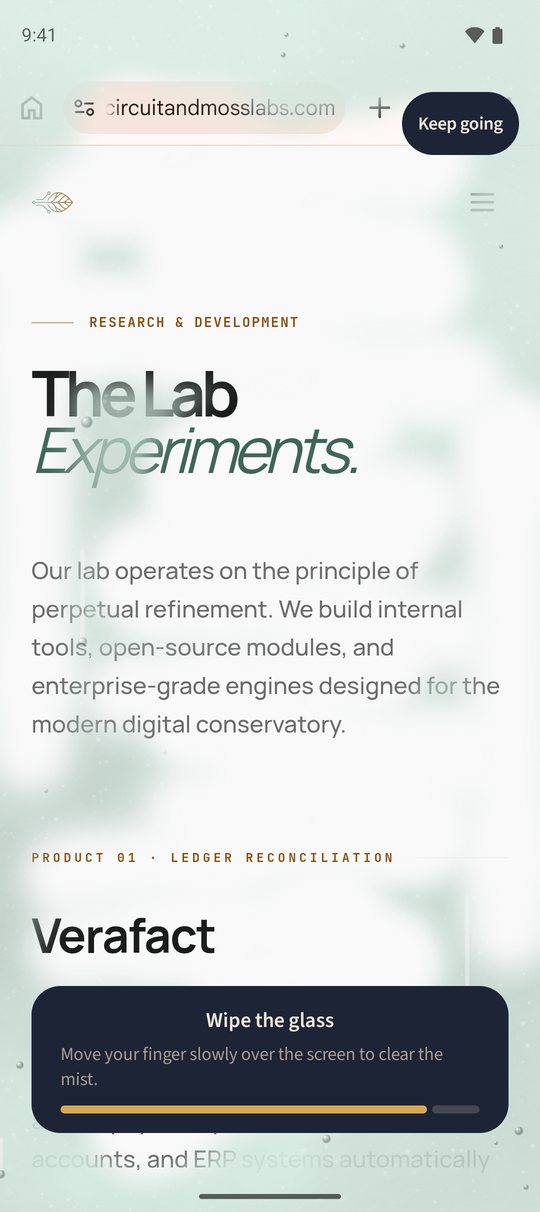
Wipe the glassMove your finger slowly over the screen to clear the mist.
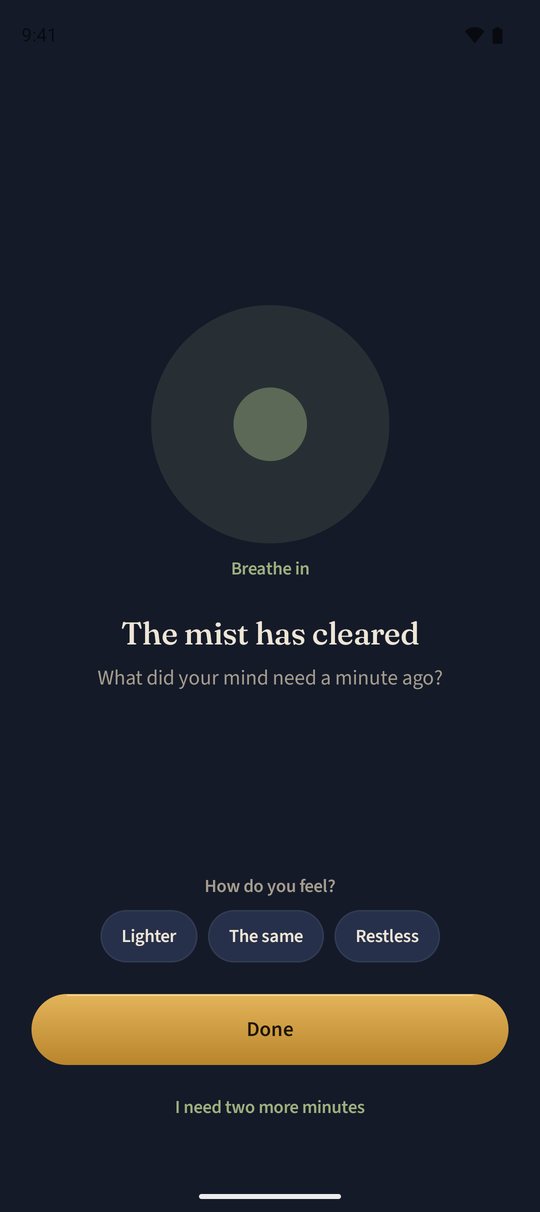
The mist has clearedOne breath. Then you decide.
Morning Dew
A demo of Kiri on Android, where the timer hangs over the app.
How it goes
Four steps, one pause
Pick an app and a time
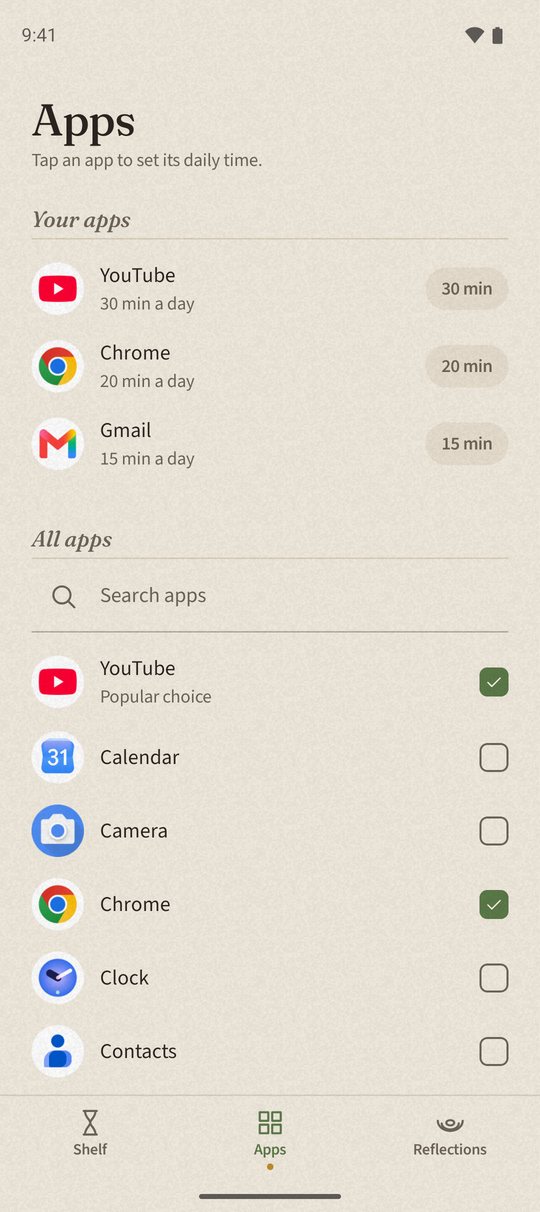
Choose the app you open without thinking, and how long it gets each day. Fifteen minutes is a good start.
The sand runs
Kiri counts only while you're in the app. Leave, and the timer stops. Come back, and it picks up where it was.
Mist, then a breath
When the time is up, mist covers the screen. Wipe it away, breathe once, and choose: done, or two more minutes.
A pebble
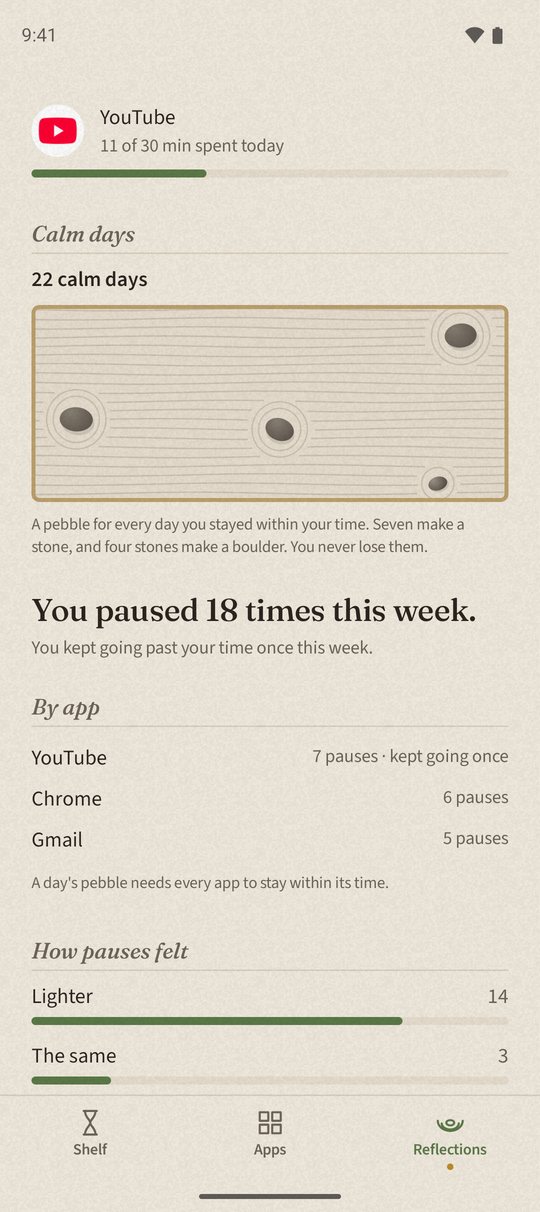
Every day you stay within your time, a pebble lands in your garden. Seven make a stone. You never lose one.
Three ways to stop
Why not just block the app?
Because the block is the first thing you learn to get around.
The built-in limit
“Ignore Limit”
One tap and the limit is gone. After a week your thumb does it before you've read the words.
A blocker
Locked out
It works until the day you really need the app. Then you switch the blocker off, and it tends to stay off.
Kiri
Mist
Nothing is locked. Clearing the mist takes a few seconds of your attention, which is often enough to ask whether you still want to be here. If you do, keep going.
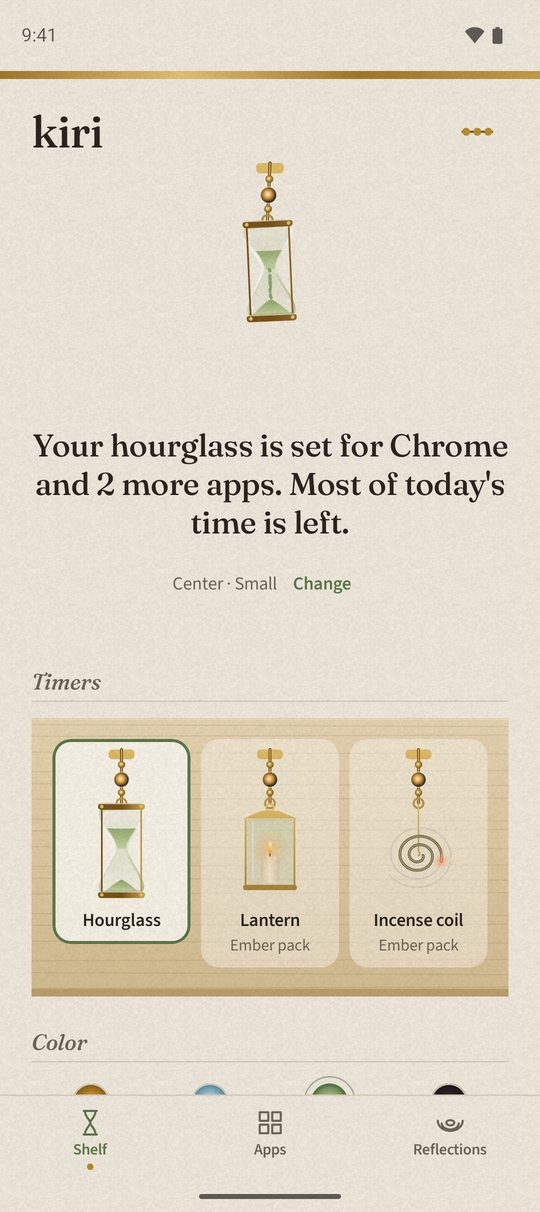
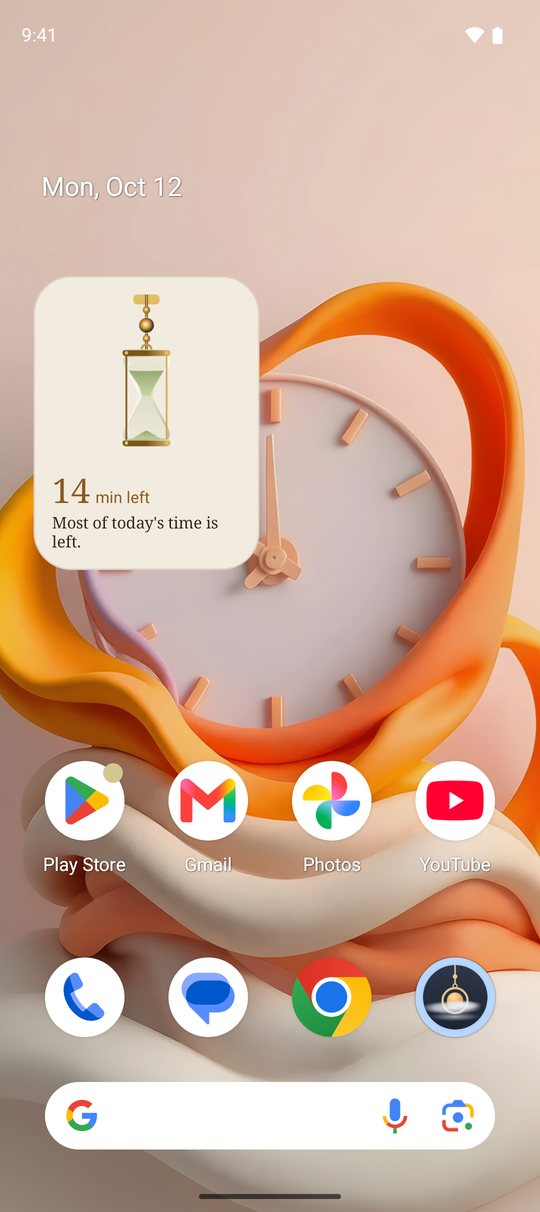
A small hourglass hangs over the app while you use it.Time's up: mist. Wipe it away with your finger.One breath, one word for how you feel, then Done.A pebble for every day within your time.Each app gets its own daily time.An hourglass, a lantern or an incense coil.The time you have left, on your home screen.
Screenshots from Kiri for Android.
On each device
The same idea, three ways
Each system allows different things, so Kiri looks a little different on each. Here is exactly what you get.
iPhone
A shield, then the mist
Kiri uses Apple's Screen Time. When your time is up, a soft shield covers the app. Tap “Clear the mist”, then the notification, and you wipe and breathe inside Kiri. The timer can sit in the Dynamic Island and on a home screen widget. iPhone apps can't draw over other apps, so there is no hanging hourglass here.
Android
The hourglass over the app
A small hourglass hangs at the top of the app you picked, and the sand falls while you use it. The mist arrives right there, over the app, and you wipe it with your finger.
Mac
Apps and websites
The timer hangs on the app's own window. With the Kiri extension for Safari, Chrome, Brave, Edge or Arc it works for websites too, so youtube.com can have fifteen minutes while the rest of your browser has all day.